Subscriptions and servers
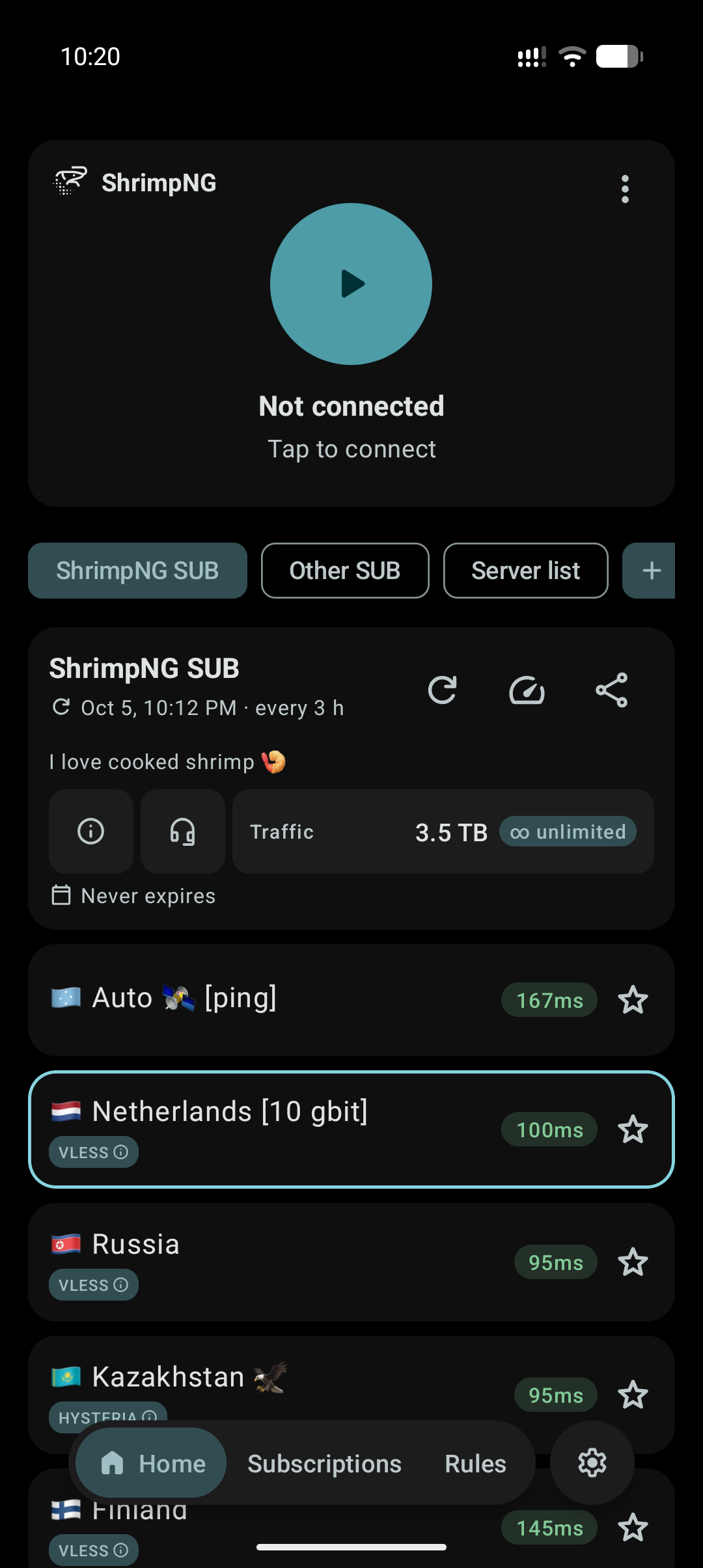
Add connections by link, clipboard or QR code. Update subscriptions, test latency and save favorite servers.
Proxy client
Add a subscription or your own server, choose a connection and get started. Choose which apps use the proxy and which connect directly.
Older Android or Huawei? Use the Legacy build
Everyday settings close at hand. More options are available in their own sections.
Add connections by link, clipboard or QR code. Update subscriptions, test latency and save favorite servers.
Choose apps for proxy or direct connections. Set separate rules for addresses and domains.
Light, dark and AMOLED modes. Wallpaper colors on Android 12+, built-in palettes and a choice of app icons.
You will need a subscription link or your server settings.
Download the APK for your Android version and open it on your phone.
Paste a link from the clipboard or scan a QR code.
Tap the connection button and approve the system permission.
Updates
Release notes from GitHub Releases.
Loading releases…